Product overview
Get a complete view of the tools that power your business
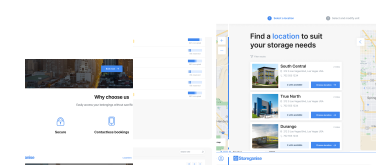
Get a complete view of the tools that power your business
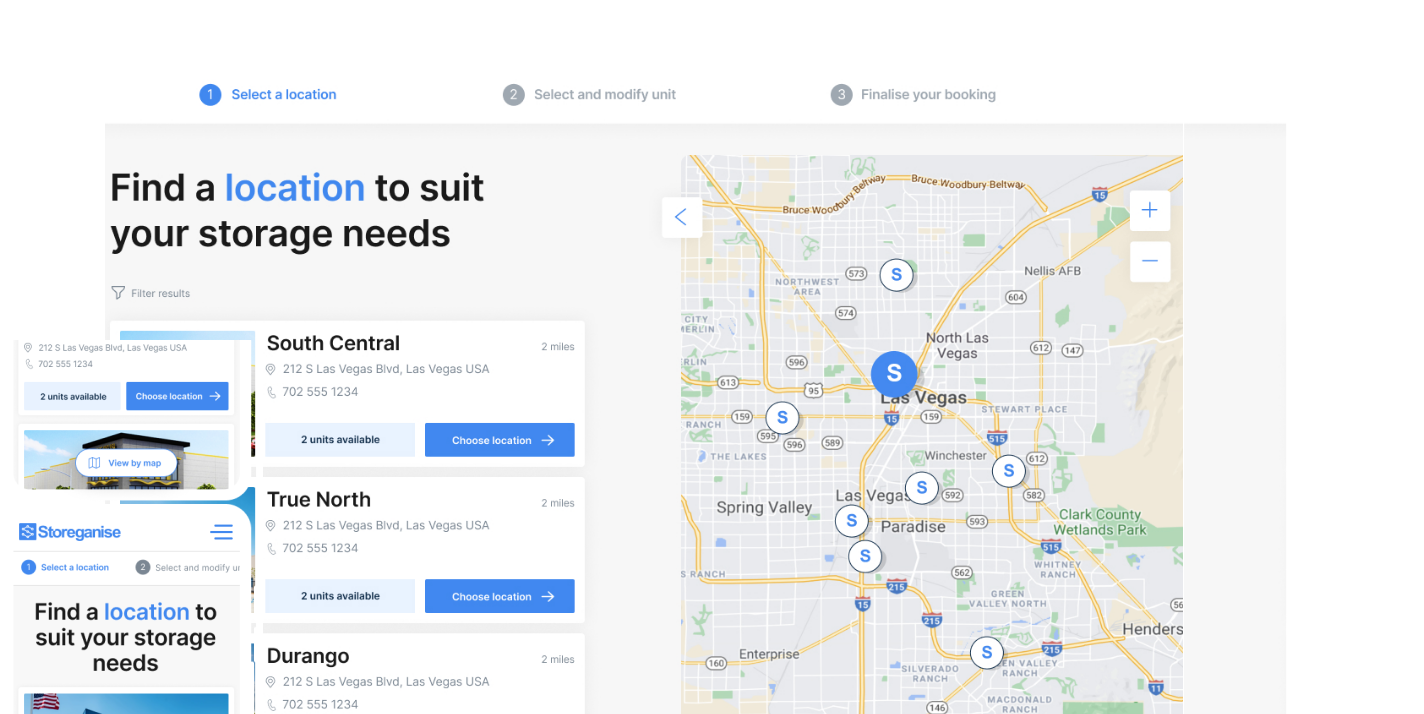
Let customers book and manage storage with ease
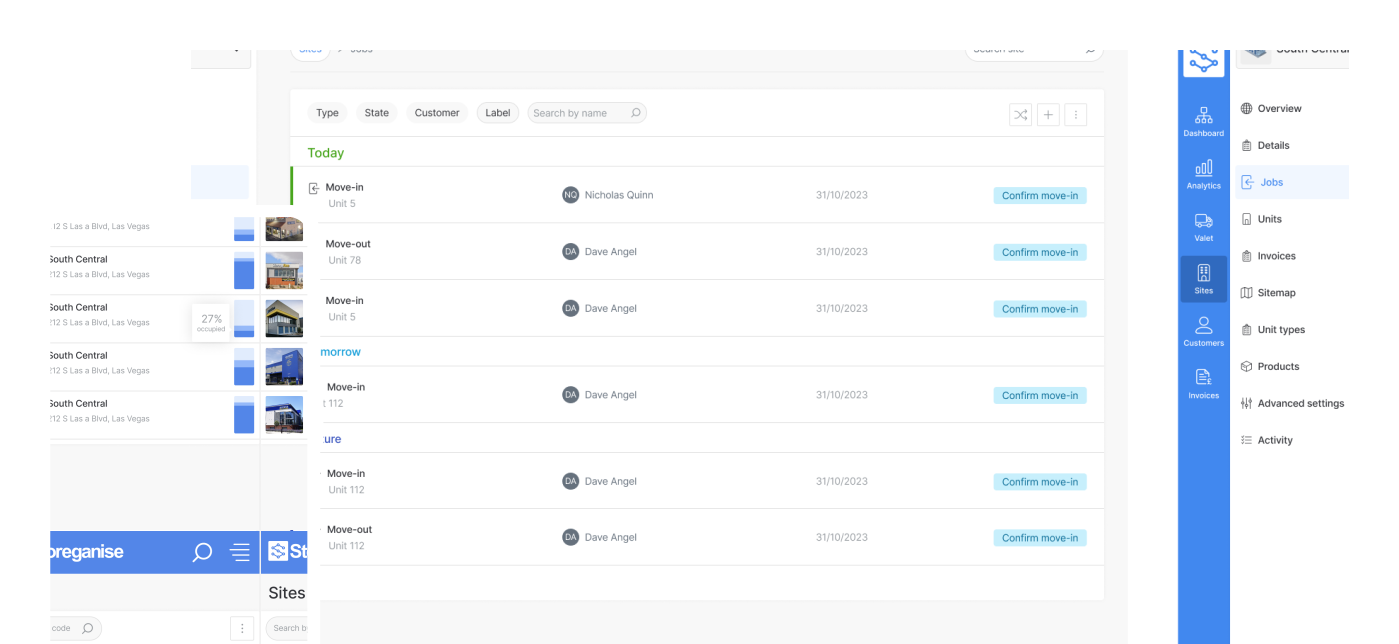
Manage your entire business in one place
Attract new customers with a website built for self-storage

Extend your business logic with endless integrations
Smoother operations, better customer experience

Joe Silk
20 February 2025
We’ve rolled out several exciting updates to make storage operations more efficient, improve the customer journey, and help your business run more smoothly. These enhancements will be available in the coming weeks—here’s what’s new!
Unit-level bookings: Customers can now choose their exact storage unit, just like selecting a seat on a flight.
Date-of-month billing: optional 1st-month prepayment: More flexibility in how initial rent payments are handled.
New move-out email templates: Automated emails keep customers informed throughout the move-out process
SEO improvements for multi-location businesses: Optimized URL structures to boost discoverability and rankings (Website builder users only)
More customization for booking & legal links: Ensure GDPR compliance with legal notices and custom confirmation messages.
Customers can now browse and book specific storage units directly from the customer portal instead of being assigned one randomly. This highly requested feature improves transparency, enhances customer satisfaction, and enables operators to implement demand-based pricing strategies.
Previously, customers selected a unit type, and the system automatically assigned an available unit. While efficient, this lacked flexibility. Now, customers can browse a visual sitemap, compare unit details, and select the option that best suits their needs—whether based on size, location, or accessibility.
Maximize revenue – Adjust pricing for premium units and optimize occupancy for less desirable units.
Increase customer satisfaction – Empower customers with choice and reduce post-booking changes.
Improve operational efficiency – Reduce staff workload by minimizing manual unit assignments.
Set up the sitemap – Navigate to Sites > [Your Site] > Sitemap and ensure your facility layout is correctly mapped.
Enable unit booking – Go to Sites > [Your Site] > Advanced Settings and check "Enable Unit Booking."
Save changes – Once enabled, customers will see the sitemap on the booking portal and select available units.
Good news for operators using fixed-date billing! You now have the option to decide whether the first full month’s rent is included in the initial move-in invoice—giving you more control over how rent is collected.
Before the cut-off date – The invoice covers only the pro-rated rent for the remaining days of the current month.
On or after the cut-off date – The invoice includes both pro-rated rent and the full rent for the following month.
Now, customers can receive automated notifications when they move out—keeping them informed every step of the way. Hopefully, you won’t need to use this feature too often (because move-outs aren’t exactly what we want to see), but when it does happen, it’s now handled smoothly.
In the Self Storage section, we’ve added two new email templates:
Move-Out scheduled – Notifies customers when their move-out date is set.
Move-Out completed – Confirms when the move-out process is finished.
Until now, we’ve had automated emails for move-ins created (reserved) and move-ins completed (occupied)—but none for move-outs. This update fills that gap, making customer communication smoother than ever.
We’ve made location-based pages more SEO-friendly, helping your business rank higher in search results and making it easier for customers to find you. Instead of using complex third-level paths (like /p/self-storage-yonkers), location pages now follow a cleaner, more intuitive structure: /locations/self-storage-yonkers.
Better search rankings – Clearer URLs make pages more relevant and easier for search engines to index.
More organized site structure – Streamlined landing pages that keep navigation simple
Enhanced user experience – Clean, easy-to-read URLs that help customers find locations faster.
These improvements mean better visibility, better organization, and a better experience for your customers.
💡 Tip: If you’re managing multiple locations, check your updated URLs to see the difference!
We’ve added new placeholders in the Customer Portal, pulling content directly from General Settings → Signup. This ensures you can easily meet EU regulatory requirements while adding essential legal and booking info—no workarounds needed.
✅ Customizable ‘Complete your booking’ confirmation screen
Your customers’ final step in booking should be clear and informative. Now you can:
Add multilingual text with Markdown support for a tailored experience.
Include terms, policies, or next steps to ensure compliance and transparency.
✅ Legal notice & footer links
Display a legal notice link across all Customer Portal pages.
Customize the User app footer with important links for your business
Joe Silk is a Project Manager at Storeganise. With a background in project management and a keen interest in SaaS, Joe is passionate about enhancing organizational structure and driving project success.
View bio